
How to Create AI-Powered Intake Forms That Clean Your Lead Data Automatically
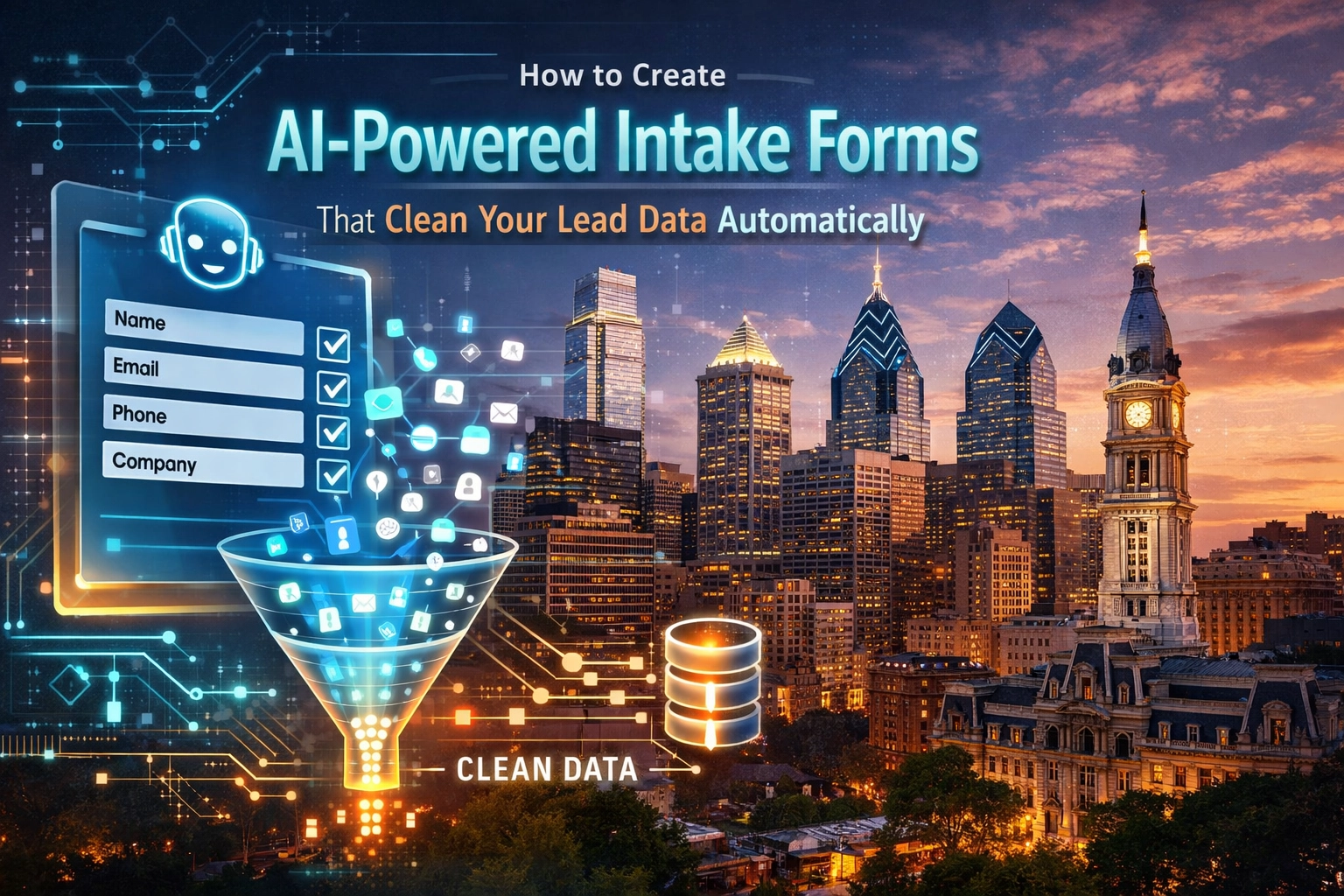
If you’re running a small business in Philadelphia: whether you’re managing a law firm in Center City or a contracting crew in Manayunk: you know the "Monday Morning Blues." It’s that hour you spend sifting through website inquiries, trying to figure out which ones are actual customers and which ones are just "tire kickers" or bots trying to sell you SEO services from halfway across the world.
For years, the standard advice was just "add more fields to your form." But we’re in 2026 now. If you make a form too long, people leave. If you make it too short, your CRM gets filled with junk like "asdfgh" in the name field.
At BENT Enterprise, we’ve moved past the era of static forms. We’re now building AI-powered intake forms that don't just collect information: they clean it, categorize it, and qualify it before you even finish your first cup of coffee.
In this guide, I’m going to show you how to turn your website leads into clean, usable data automatically.
The Problem with Traditional Forms (and Why Your CRM is a Mess)
Most website forms are "dumb." You type something in, it hits "send," and an email lands in your inbox. Maybe it goes into a CRM, but it’s often missing a phone number, or the address is formatted incorrectly, or the "Project Description" is so vague it’s useless.
When your data is messy, your follow-up is slow. When your follow-up is slow, you lose the job. In 2026, speed-to-lead is the only metric that truly matters for local service businesses.
By integrating AI directly into your Website Development process, we can eliminate the manual data entry that eats up your afternoon.

What Exactly is an "AI-Powered" Intake Form?
An AI-powered form looks like a normal form to the user, but under the hood, it’s connected to a Large Language Model (LLM) like GPT-4o or Claude 3.5. Instead of just passing the text through, the form "thinks" about the input.
Here is what happens in the split second after a lead hits "Submit":
- Normalization: AI fixes the formatting. It turns "philly" into "Philadelphia" and "(215) 555-0123" into a standard format your CRM recognizes.
- Sentiment Analysis: It reads the "How can we help?" section. Does the lead sound urgent? Are they frustrated? Are they ready to buy today?
- Data Extraction: If a lead mentions they have a "3-bedroom house in Fishtown," the AI extracts "3-bedroom" and "Fishtown" into separate fields, even if you didn't have a specific dropdown for them.
- Lead Scoring: Based on the responses, the AI assigns a score. A high-value lead gets flagged for an immediate call; a low-value lead gets a polite automated email.
Step 1: Design for Engagement (The "Interactive" Shift)
The first step to cleaner data is getting better data. Traditional forms have a 2.8% completion rate on average. That’s abysmal.
In 2026, we use Interactive Quiz-Based Forms. Instead of a wall of text boxes, we ask one question at a time. "What kind of project are you looking for?" -> "What's your budget range?" -> "Where in the Philly area are you located?"
Research shows that interactive forms can jump completion rates to over 60%. When users are engaged, they provide more accurate information. If you're looking to refresh your site's look to include these, check out our Custom Branding Services to ensure your form looks as professional as your work.
Step 2: Real-Time Data Cleaning
Have you ever tried to call a lead only to realize they typed 555-019 instead of a full number? Or maybe they left the "Company Name" field blank?
AI-powered forms can perform Real-Time Validation. Before the user even submits, the AI can cross-reference data. For instance, if they provide an address in Northeast Philly, the AI can verify that address against a database to ensure it's a real location.
If the user writes a "Project Description" that is too short (e.g., "Need help"), the AI can gently nudge them: "Could you tell us a bit more about the specific services you need so we can give you a better estimate?"
Step 3: Automated Lead Scoring and Routing
This is where the magic happens for your sales team. Not all leads are created equal.
Imagine you’re a local contractor.
- Lead A: "I’m looking for a full kitchen remodel in Rittenhouse Square, starting next month. Budget is $50k."
- Lead B: "Just wondering how much it costs to fix a leaky faucet."
Without AI, both of these sit in your inbox until you check them. With an AI-integrated form, the system recognizes that Lead A is a high-ticket, high-urgency prospect. It automatically pushes Lead A to the top of your CRM, sends a notification to your phone, and triggers an Automated Follow-Up to book a consultation.
Lead B is still important, but the AI recognizes it’s a smaller job. It might send Lead B an automated link to your "Small Repairs" pricing page or a calendar link for a brief phone screening.
Step 4: Connecting the "Single Source of Truth"
One of the biggest headaches we see at BENT Enterprise is "data fragmentation." You have lead info in your email, some in a spreadsheet, and some in your CRM.
Your AI intake form should be the gatekeeper. By using tools like Zapier or Make.com, we connect your form to your entire "stack."
- CRM: The data is cleaned and mapped to the right fields.
- Email Marketing: The lead is added to the correct "Drip Sequence" based on their interest.
- Project Management: A new folder is created in your Project Management tool with the lead's details.
This ensures that your data is clean from day one. You don't have to spend your weekends "cleaning up the database."
Why Philadelphia Businesses Need This Now
The Philly market is competitive. Whether you're in real estate, law, or home services, your customers are looking at five other websites while they’re on yours. If your form is a chore to fill out, they’ll go to the guy who has a smooth, AI-driven experience.
Furthermore, local SEO is getting harder. When you do get a lead from your 100-page SEO strategy, you cannot afford to waste it. An AI-powered form ensures that you capture every bit of value from the traffic you worked so hard to get.
Foundations Matter: Hosting and Security
While the AI is the "brain," your website's foundation is the "body." You can't run advanced AI scripts on a slow, outdated server. This is why we always recommend high-performance hosting services. If your form takes 5 seconds to load because your hosting is cheap, the AI never gets a chance to do its job.
Security is also paramount. When you're collecting lead data: especially if you're in a field like law or medicine: you need to ensure that data is encrypted. AI integrations should always comply with modern privacy standards.
How to Get Started
You don't need a degree in data science to set this up. Here is a simple 3-step plan:
- Audit Your Current Form: Fill out your own form. How long did it take? Was it annoying? Did the data end up in your CRM in a format that was actually useful?
- Define Your "Golden Lead": What are the 3-5 pieces of information that make a lead "perfect" for your business? Tell the AI to look for these specifically.
- Integrate with BENT Enterprise: We specialize in taking "standard" websites and turning them into automated lead-generation machines. We don't just "design" pages; we build systems that work for you while you're out in the field or spending time with your family.
Final Thoughts
In 2026, your website should be your best employee. It shouldn't just be a digital business card; it should be a digital receptionist that qualifies, cleans, and organizes your work.
By moving to AI-powered intake forms, you’re not just "fixing a form": you’re optimizing your entire sales pipeline. You’re giving yourself the gift of time and ensuring that your business is represented by clean, professional, and organized data.
Ready to stop chasing messy leads and start closing more deals? Let’s build something smart together.
Contact BENT Enterprise today to see how we can automate your lead intake and supercharge your Philly small business.