

For Philadelphia small businesses, a website can no longer be treated as a digital brochure that simply lists services, hours, and a phone number. In 2026, your website is part of your sales process, customer service team, marketing system, and day-to-day operations.
That is where AI integrations make a meaningful difference.
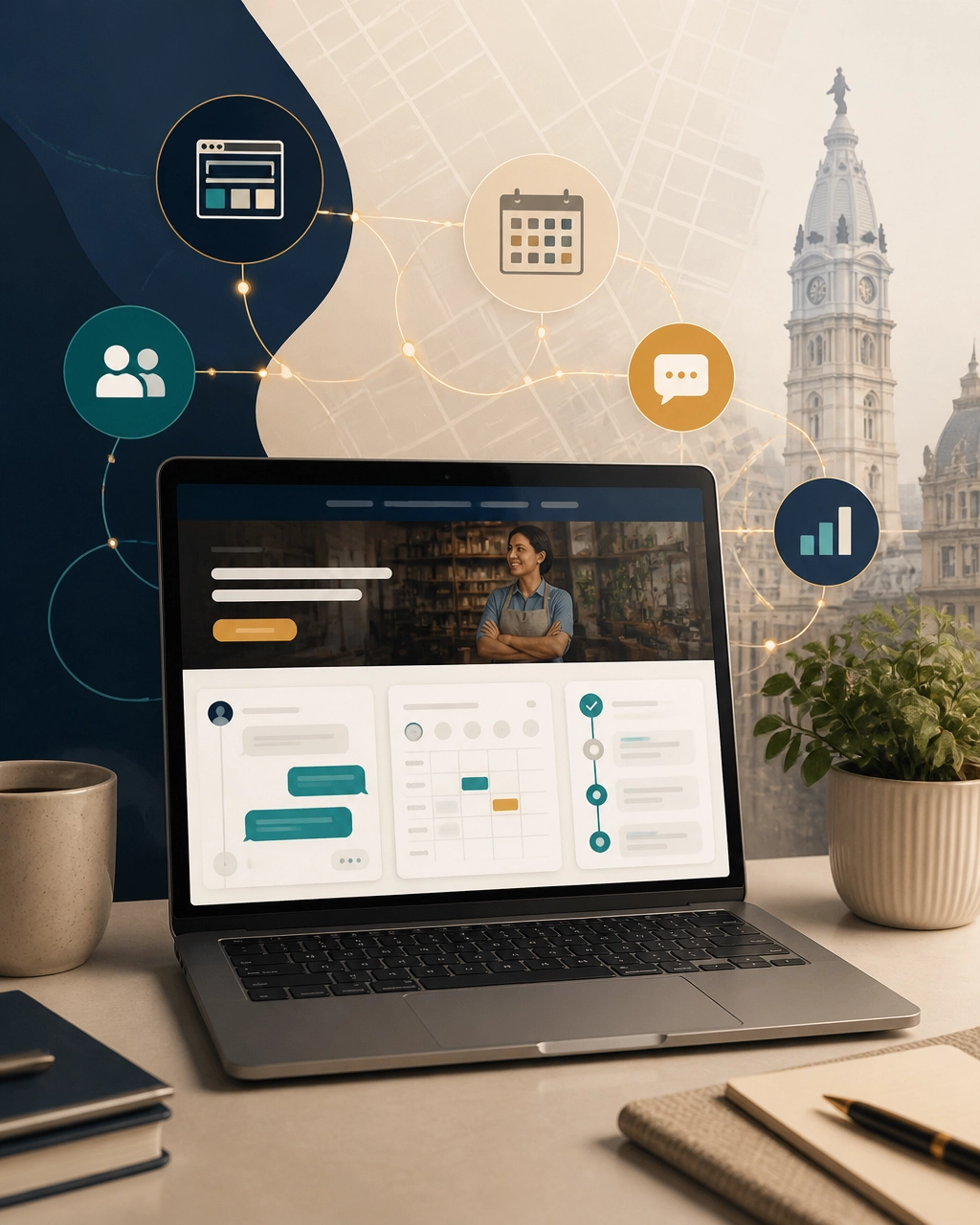
When artificial intelligence is connected to your website, CRM, calendar, analytics, and other business tools, your digital presence can do more than attract visitors. It can help qualify leads, answer questions, schedule appointments, support local search visibility, and reduce repetitive administrative work.
The goal is not to add technology just because it is fashionable. The goal is to create a smarter, more connected system that helps a small team compete with larger companies.
What Are AI Integrations?
AI integrations connect artificial intelligence tools to the platforms your business already uses. Depending on your goals, that might include your website, contact forms, customer relationship management system, booking calendar, email platform, inventory system, or reporting dashboard.
For example, a website visitor might:
- Ask an AI assistant about your services.
- Receive an answer based on your approved business information.
- Complete a short intake conversation.
- Be categorized according to their needs.
- Request an appointment.
- Trigger a follow-up message in your CRM.
Instead of leaving that process entirely to manual follow-up, the integrated system handles the repetitive steps while your team stays involved where human judgment matters most.
For a Philadelphia contractor, law firm, healthcare provider, ecommerce company, or professional service business, faster response and cleaner handoffs can directly improve the customer experience.
1. Turn Your Website Into a 24/7 Lead Assistant
Many small businesses lose opportunities because an inquiry arrives after hours, a form is too long, or a response is delayed until the next business day.
An AI-powered website assistant can provide immediate guidance without pretending to replace your team. It can answer common questions about:
- Services and pricing ranges
- Service areas and neighborhood coverage
- Hours, parking, and appointment policies
- Project timelines
- Product availability
- Next steps for requesting a quote
A well-designed assistant can also ask useful qualifying questions. A visitor looking for a South Philadelphia home renovation company, for instance, may be guided through project type, property location, budget range, and preferred timeline before requesting a consultation.
That information gives your team a better starting point than a generic message that says, “I need more information.”
The best implementation includes clear boundaries. The AI should know when to escalate to a person, avoid making unsupported promises, and use a secure, approved knowledge base rather than guessing.
2. Connect AI Integrations to Local SEO
AI does not replace the fundamentals of local SEO. It makes it easier to organize, monitor, and improve them consistently.
Your website, Google Business Profile, reviews, citations, and service-area content should all reinforce the same business information. AI-supported workflows can help identify gaps such as:
- Inconsistent business details across directories
- Missing or outdated service pages
- Weak internal links between related pages
- Frequently asked customer questions that deserve content
- Technical issues affecting crawlability or page experience
- Opportunities to clarify neighborhood and service-area relevance
Philadelphia is a competitive market. A business may serve Center City, Fishtown, Manayunk, Northeast Philadelphia, South Philadelphia, or nearby South Jersey communities, but each page still needs to provide useful, authentic information. Automatically generating dozens of thin location pages is not a strong strategy.
Instead, use AI to help analyze search intent, organize content ideas, and identify patterns. Then apply human expertise to create pages that accurately reflect your services and the communities you serve.
For a stronger local visibility foundation, explore BENT Enterprise’s Local SEO services. The right combination of service pages, internal linking, profile optimization, reviews, and technical health supports both rankings and real customer action.

3. Automate Follow-Up Without Losing the Human Touch
A new lead is most valuable when the conversation continues quickly. Yet follow-up is often one of the first tasks to slip when a small team is busy serving existing customers.
AI integrations can help automate practical follow-up workflows, including:
- Sending a confirmation after a form submission
- Notifying a team member when a high-priority lead arrives
- Reminding prospects about an upcoming consultation
- Asking whether a customer still needs assistance
- Summarizing a conversation for the next employee
- Routing requests to the correct department
- Creating internal tasks from website inquiries
These automations should feel helpful, not intrusive. A short, relevant confirmation is usually more effective than a series of generic promotional messages.
Human approval can also be built into the workflow. For example, AI might draft a review response, summarize a customer request, or prepare a follow-up email, while a team member reviews it before anything is sent.
BENT Enterprise helps businesses design these connected processes through AI Automation Systems. The focus is on practical workflow improvements, testing, approval paths, and measurable business value.
4. Build a Faster, More Accessible Website
Smart AI integrations should support the website experience itself, not only the back-end workflow.
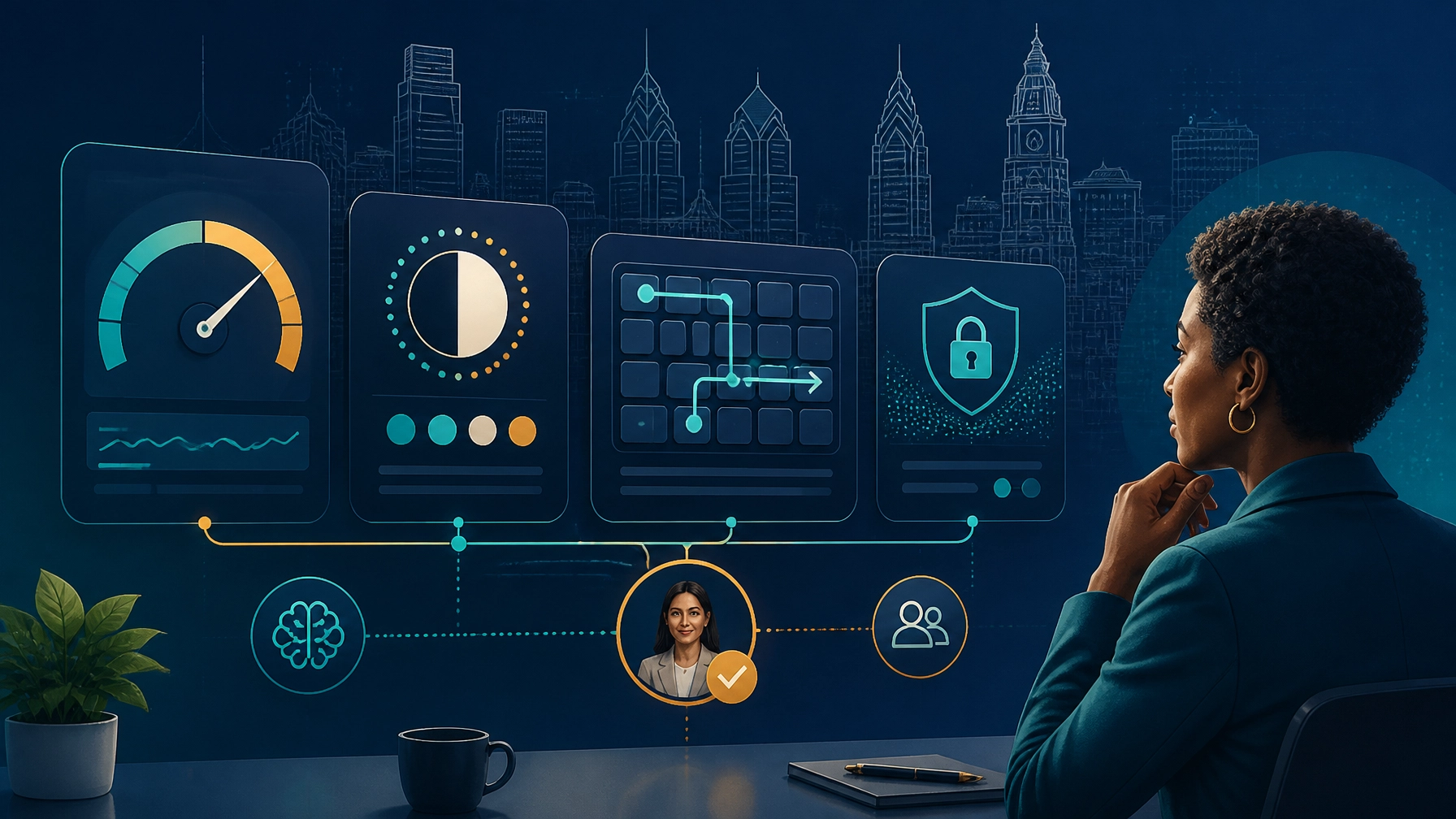
AI-assisted tools can help teams monitor performance, identify oversized images, flag broken links, review content structure, and find potential accessibility barriers. These tools may detect issues involving:
- Color contrast
- Missing alternative text
- Heading hierarchy
- Keyboard navigation
- Form labels
- Mobile layout problems
- Slow-loading scripts and media
However, automated scanning is not the same as complete accessibility compliance. Human review remains essential, especially for forms, interactive tools, language clarity, and real-world usability.
A strong website should be fast and usable for everyone, including people browsing on mobile devices, using screen readers, navigating by keyboard, or dealing with limited bandwidth. That is good customer experience: and it can also support stronger engagement and conversion.
Explore BENT Enterprise’s Custom Web Design services to see how strategy, responsive design, accessibility, search structure, and conversion paths can work together from the beginning.
5. Protect Customer Data With Clear Guardrails
AI integrations create opportunities, but they also require responsible data management.
Before connecting an AI tool to your website or business systems, clarify:
- What information the tool can access
- Where conversations and form submissions are stored
- Whether customer data is used for model training
- Which actions require human approval
- Who can change prompts, workflows, and permissions
- How errors, escalations, and deleted data are handled
This is particularly important for Philadelphia businesses in legal, healthcare, financial, and other sensitive industries. Customer trust can be damaged quickly if an automated system exposes private information or provides an inaccurate answer.
Start with limited permissions and low-risk workflows. Keep sensitive systems separated unless there is a clear reason to connect them. Review logs regularly, test unusual scenarios, and make it easy for customers to reach a real person.
A Practical AI Integration Roadmap
You do not need to rebuild your entire digital operation in one project. A phased approach is usually more manageable.
Step 1: Choose One Business Bottleneck
Start with the issue that has the clearest cost or revenue impact. That might be missed calls, slow lead follow-up, appointment scheduling, or repetitive reporting.
Step 2: Map the Current Process
Document what happens from the first customer interaction through the final handoff. Identify the tools involved, the information collected, and where delays or errors occur.
Step 3: Add One Focused Integration
Launch a limited workflow, such as website intake connected to your CRM and calendar. Avoid automating an unclear process.
Step 4: Test and Review
Check accuracy, tone, permissions, edge cases, and customer experience. Keep a human approval step where appropriate.
Step 5: Measure Business Outcomes
Track response time, qualified inquiries, booked appointments, conversion rates, support volume, and time saved. These metrics are more useful than simply counting AI interactions.
Philadelphia Businesses Can Start Small and Grow Smart
AI integrations are not reserved for national brands with large technology budgets. A focused, well-planned integration can give a local business better responsiveness, stronger organization, and more time to concentrate on customers.
The most effective strategy combines AI efficiency with human creativity, local knowledge, accessibility, privacy, and a website built around real business goals.
Continue exploring the series with The Business Owner’s Guide to AI Integrations & Web Design 2026, The Ultimate Guide to AI Integrations & Web Design 2026, and Beyond the UPS Store: How Philadelphia Small Businesses Scale Digitally.
Ready to identify the best opportunity for your business? Contact BENT Enterprise for a practical AI integration and web strategy conversation.