
How to Integrate Your CRM With Website Personalization to Convert More Local Traffic
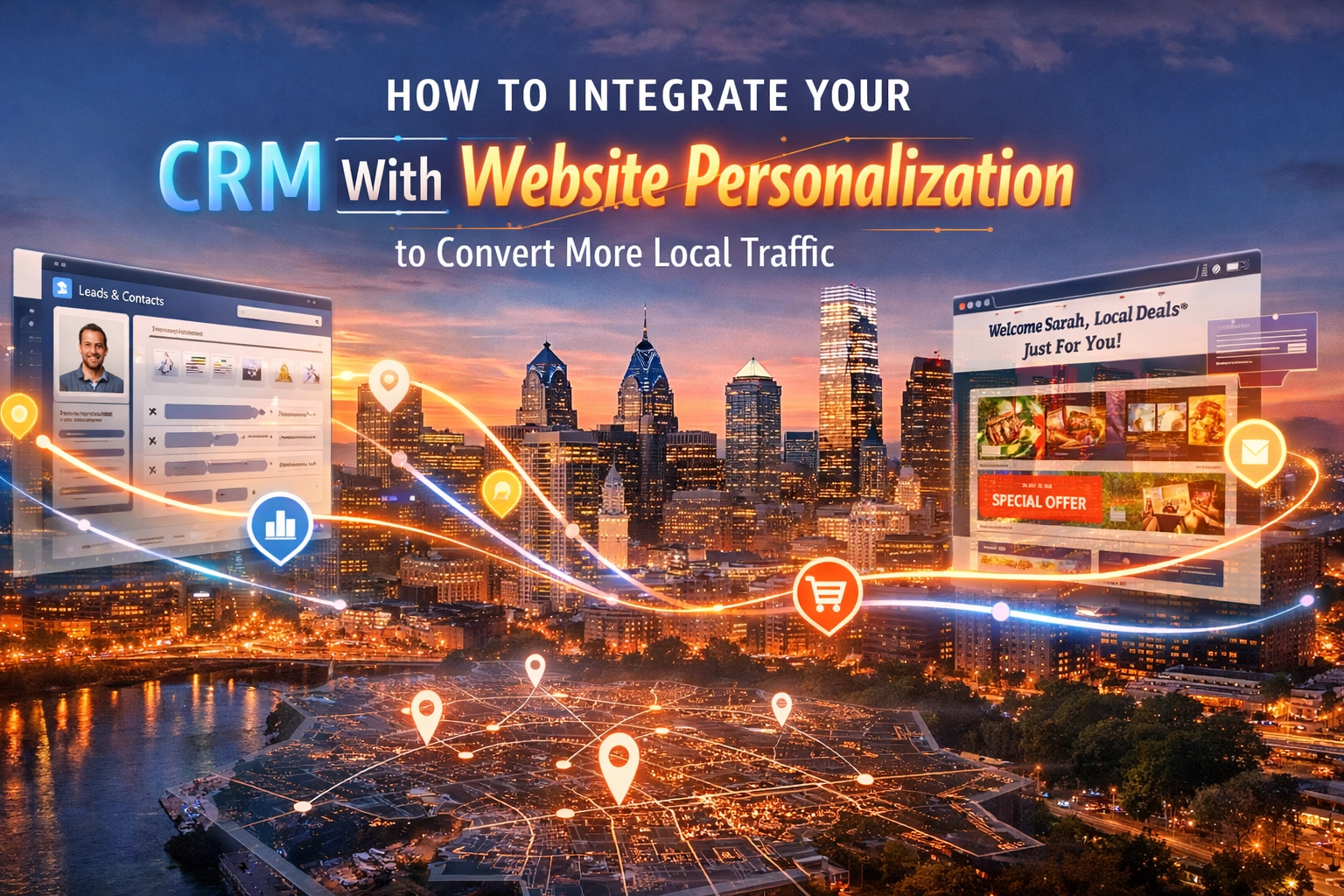
If you’re running a business in Philadelphia, you know that the "local feel" is everything. Whether you’re a law firm in Center City or a HVAC contractor in Fishtown, your customers value being recognized. In the physical world, when a repeat customer walks through your door, you greet them by name and ask how their last project went.
But what happens when those same people visit your website? Usually, they’re treated like total strangers. They see the same generic "Contact Us" button and the same basic hero image as someone visiting from three states away.
It’s 2026, and it's time to bridge that gap. By integrating your Customer Relationship Management (CRM) system with your website, you can turn your site from a static digital brochure into a dynamic sales tool that recognizes your visitors and serves them exactly what they need. At BENT Enterprise, we specialize in building these high-performing Custom Web Design solutions that make your local traffic feel right at home.
The Magic of the "Recognized Visitor"
Imagine a prospect in Manayunk who has already downloaded your "Home Renovation Guide." Two weeks later, they come back to your site. Instead of seeing that same guide again, the hero section now says, "Ready to start your Manayunk kitchen remodel? Schedule a free consultation here."
That’s the power of CRM integration. Your CRM (think HubSpot, Salesforce, or even a specialized local tool) holds all the "brain" power: names, locations, past interests, and lead stages. When you connect that brain to your website’s "face," the experience becomes personalized.

Why Philadelphia Businesses Need Personalization Now
The Philly market is competitive. Whether you're competing for the "Map Pack" or bidding on local keywords, getting people to your site is only half the battle. If you’re investing in PPC Campaigns or heavy SEO work, you can't afford to waste that traffic.
Personalization helps you:
- Increase Trust: Seeing local landmarks or specific service areas mentioned makes you feel like a "neighbor."
- Shorten the Sales Cycle: If the website knows someone is a returning lead, it can skip the "intro" content and go straight to the "close."
- Boost Conversions: Relevant calls-to-action (CTAs) perform up to 202% better than generic ones.
Step 1: Planning Your Integration Strategy
Before you start connecting wires, you need a plan. At BENT Enterprise, we always start by asking our clients: What data do we actually have, and how can we use it to help the customer?
You don't need to overcomplicate it. Start with these three data points:
- Lead Stage: Are they a new visitor or a returning lead?
- Location: Are they in Philly, the suburbs, or across the bridge in Jersey?
- Interest: Which service pages have they spent the most time on?
Once you know what you’re tracking, you can ensure your Content Marketing efforts are actually reaching the right eyes at the right time.
Step 2: The Technical Handshake (Linking Systems)
Integrating your CRM isn't just about "plugging it in." It usually involves authenticating APIs (Application Programming Interfaces) so your website and CRM can talk to each other in real-time. In 2026, most modern CRMs offer "Webhooks" or native integrations for popular platforms like WordPress or Shopify.
The goal is to ensure that when a user fills out a form, that data doesn't just sit in an email inbox. It needs to flow directly into your CRM, and the CRM needs to send a "signal" back to the website to update the user's profile. This creates a loop of continuous improvement for your Local SEO and lead tracking.
Step 3: Configuring Data Synchronization
This is where the magic (and the math) happens. You need to decide how often your systems talk. For a Philly business, real-time sync is usually the way to go for contact info, but other data can sync less frequently.
Here is a quick look at how we typically structure data sync for our clients:
| Data Type | Sync Frequency | Direction | Why It Matters |
|---|---|---|---|
| Contact Info | Real-time | Bidirectional | Instant recognition upon return. |
| Lead Score | Real-time | CRM to Website | Shows higher-value offers to "hot" leads. |
| Service Interests | Every 4 hours | Website to CRM | Helps sales teams know what to talk about. |
| Local Tags | Daily | Bidirectional | Tailors content to specific Philly neighborhoods. |
Personalization Strategies That Actually Convert
Once the integration is live, what do you actually do with it? Here are the most effective strategies we’re seeing work for local businesses right now:
1. Dynamic Content Based on Industry or Role
If your CRM knows a visitor is a Property Manager, show them "Bulk Maintenance Packages." If they are a homeowner, show them "Residential Repair Services." This avoids the "paradox of choice" where visitors leave because they can't find what applies to them.
2. Location-Specific Social Proof
If a visitor is browsing from West Chester, use your CRM data to trigger a testimonial from a client in West Chester. Seeing a familiar zip code or neighborhood name builds instant authority. Our team at BENT can help you set up these triggers as part of our AI Automation services.
3. Re-Engagement for Abandoned Forms
If someone starts a quote request but doesn't finish, your CRM knows. When they return to your site, instead of the standard homepage, show them a "Pick up where you left off" banner. It’s helpful, not creepy, when done with a friendly tone.
The "Clean Data" Hurdle
The biggest mistake we see is "dirty data." If your sales team is entering names in all caps or forgetting to tag locations, your website personalization will look broken.
Integration is a two-way street. Your website needs to feed clean data into the CRM using AI-powered intake forms, and your team needs to maintain that data so the website can use it effectively. Think of your website as the front desk and your CRM as the filing cabinet: if the cabinet is a mess, the front desk can't do its job.
Foundations Matter: Hosting and Security
None of this works if your website is slow or down. Because CRM integrations require "calls" to external servers, your hosting needs to be top-notch. While we focus on the design and automation, we always recommend a solid foundation via reliable hosting services to ensure these data transfers happen in milliseconds, not seconds. A slow personalized site is worse than a fast generic one.
How to Get Started
You don’t have to automate your entire business in a day. Start by picking one high-value segment: like "Returning Leads": and personalizing just one section of your homepage for them.
If you’re feeling overwhelmed by the technical side of APIs, field mapping, and dynamic content, that’s exactly what we’re here for. BENT Enterprise helps Philadelphia businesses turn their websites into 24/7 sales machines through smart design and AI-driven integrations.
Ready to make your website as welcoming as a South Philly greeting?
Let’s chat about your project. Whether you need a full Brand Building overhaul or just want to get your CRM and website on speaking terms, we’ve got the tools to make it happen.
Contact BENT Enterprise Today to schedule your consultation and start converting more of that local traffic into loyal customers.