
How to Turn Your Website Into an Operations Engine (Not Just a Digital Brochure)
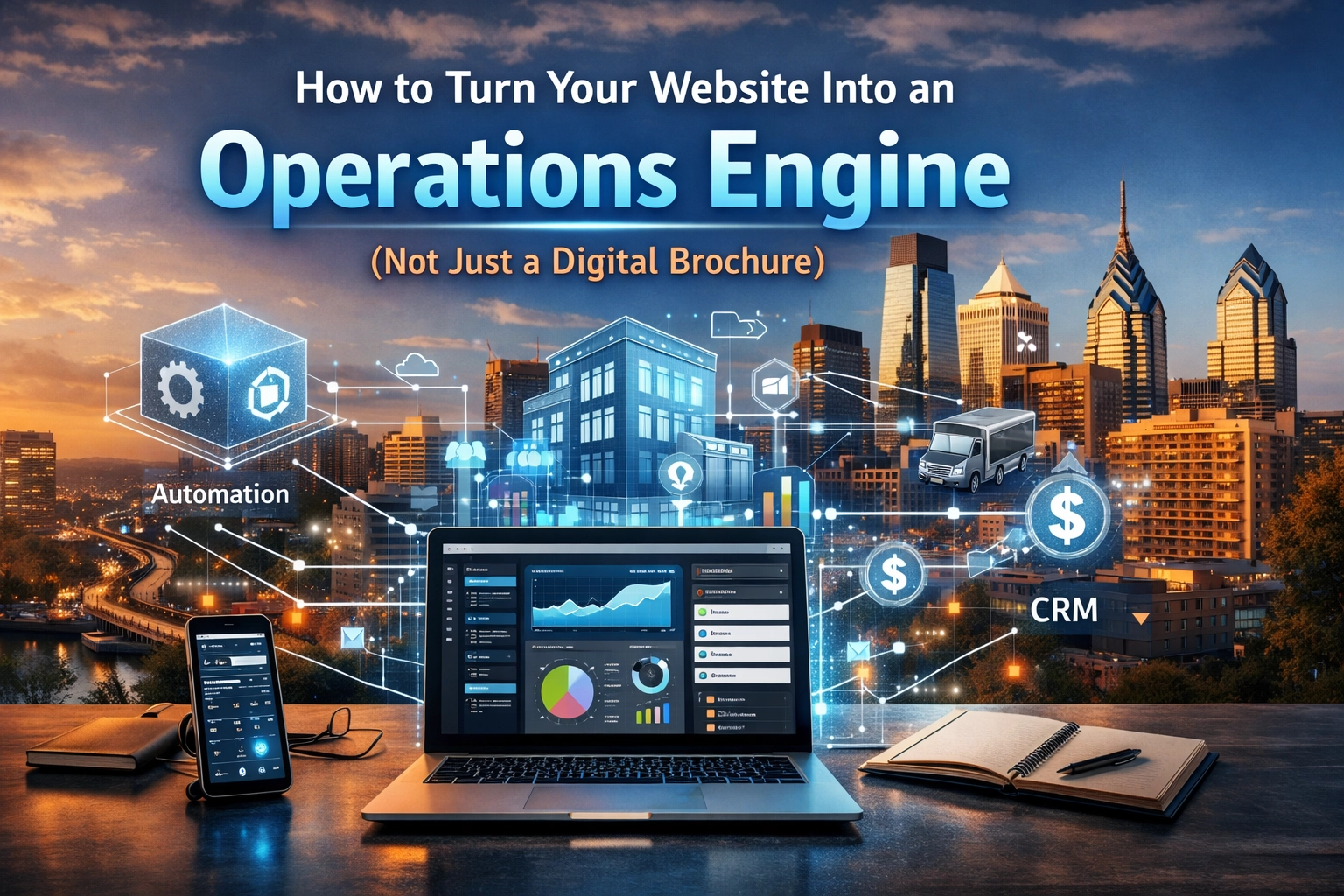
Most business websites are glorified digital brochures. They look nice, show your services, maybe have a contact form: and that's about it. Your team still does everything manually: fielding calls, sending follow-up emails, updating spreadsheets, chasing down leads who never responded.
Here's the truth: your website can do so much more than sit there looking pretty. It can be the central nervous system of your business: capturing leads, routing inquiries, syncing with your CRM, triggering follow-ups, and feeding your team the exact information they need, exactly when they need it.
For Philadelphia small businesses competing in 2026, that's not a luxury. It's table stakes.
The Brochure Website Problem
A brochure website displays information. That's it. Visitors read about what you do, maybe admire your portfolio, and then… what? They have to pick up the phone, send an email, or fill out a basic form that drops into someone's inbox where it sits until someone notices it.
Meanwhile, you have no idea:
- Where that lead came from
- What pages they visited
- Whether they're ready to buy or just browsing
- If anyone followed up
- Whether they booked a call or ghosted
That's not a website. That's a missed opportunity factory.
What an Operations Engine Actually Does
An operations engine website doesn't just inform: it functions. It collects data, triggers actions, updates systems, and keeps your business moving without constant human intervention.
Here's what that looks like in practice:
Lead capture that works: Forms don't just collect names and emails. They route inquiries based on service type, urgency, or location. High-value leads get flagged immediately. Everything logs directly into your CRM with tags, timestamps, and source tracking.
Automated follow-up sequences: Someone fills out a form at 11 PM? They get an immediate confirmation email, a calendar link for booking, and a follow-up two days later if they haven't scheduled. No one on your team had to think about it.
Real-time data syncing: When a lead converts to a client, your CRM updates, your project management tool creates a new project, and your accounting system generates an invoice. No duplicate data entry. No falling through the cracks.
Self-service functionality: Clients can check project status, upload documents, reschedule appointments, or pay invoices: all through your website. Your team stops playing email tag and starts focusing on higher-value work.

The Core Features That Make It Happen
Building an operations engine doesn't mean ripping out your current site and starting from scratch. It means layering in the right functionality, step by step.
Smart Forms with Conditional Logic
Basic contact forms are dead weight. Modern forms should adapt based on how people answer. If someone selects "Urgent Project," they see different fields than someone selecting "General Inquiry." If they choose a specific service, the form routes to the right department automatically.
This isn't fancy: it's just smart website development that respects both your time and your customer's time.
CRM Integration (Not Just "Send to Email")
Every form submission, chat interaction, and phone call should flow directly into your CRM with proper field mapping. That means:
- Contact info goes to the right fields
- Service interest gets tagged appropriately
- Source tracking shows which marketing actually works
- Lead scores update automatically based on behavior
When your website talks directly to your CRM, you stop losing leads in inbox chaos.
Booking and Scheduling Systems
If your business requires consultations, estimates, or service appointments, your website should handle scheduling. Tools like Calendly or Acuity integrate seamlessly with modern websites, letting prospects book time slots without the back-and-forth email dance.
Even better: automated reminders reduce no-shows, and calendar syncing means your team always knows what's coming.
Payment and Invoice Automation
For service businesses, getting paid shouldn't require manual invoice creation and follow-up emails. Your website can:
- Generate invoices automatically when projects close
- Send payment links directly to clients
- Trigger reminder sequences for overdue invoices
- Sync payment status with your accounting software
This is especially powerful for Philadelphia businesses serving local clients who expect convenient, modern payment options.
Where AI Makes the Difference
AI isn't about replacing your team. It's about handling the repetitive stuff so your team can focus on relationship-building and complex problem-solving.
Intelligent chat widgets can answer common questions 24/7, qualify leads, and route serious inquiries to the right person. Unlike old-school chatbots that frustrated everyone, 2026 AI chat actually understands context and provides genuinely helpful responses.
Lead scoring uses AI to analyze behavior patterns: time on site, pages visited, form interactions: and predict which leads are most likely to convert. Your sales team stops wasting time on tire-kickers and focuses on serious prospects.
Content personalization shows different messaging to first-time visitors versus returning leads versus existing clients. Someone researching "Philadelphia web design" sees different content than someone who visited your pricing page three times last week.
Want to explore how AI can streamline your operations? Check out our content marketing services to see how we help businesses create and distribute smarter content.
Making This Work for Local Service Businesses
Philadelphia small businesses have a specific advantage here: you're not trying to serve everyone everywhere. You're serving a local market with specific needs.
That means your operations engine can be hyper-targeted:
- Forms can pre-filter by service area
- Pricing can adjust based on Philadelphia zip codes
- Local SEO integration ensures you're capturing the right search traffic
- Follow-ups can reference local landmarks, events, or business conditions
Your website becomes the hub that connects your local presence with operational efficiency.
Getting Started: The Priority List
You can't (and shouldn't) implement everything at once. Here's the right sequence:
Phase 1: Foundation
- Implement proper form-to-CRM integration
- Set up basic automated confirmations and follow-ups
- Ensure your hosting infrastructure can handle integrations reliably
Phase 2: Enhancement
- Add scheduling/booking functionality
- Build out lead scoring and routing logic
- Implement payment and invoice automation
Phase 3: Optimization
- Layer in AI chat and support tools
- Personalize content based on visitor behavior
- Create self-service client portals
Each phase builds on the last. Trying to jump straight to Phase 3 without Phase 1 working perfectly is a recipe for chaos.
The ROI You Actually Care About
Let's be specific about what changes when you move from brochure to operations engine:
Time savings: Your team stops doing manual data entry, sending individual follow-ups, and tracking leads in spreadsheets. We're talking hours per day, depending on your lead volume.
Fewer dropped leads: When follow-up is automatic and nothing sits in someone's inbox, you stop losing deals to slow response times or forgotten follow-ups.
Better client experience: Clients get immediate responses, can self-serve for simple tasks, and don't have to repeat information across multiple interactions.
Scalability: When systems handle the routine stuff, your team can handle more volume without hiring more people.
What to Avoid
The biggest mistake businesses make is over-complicating things. You don't need 15 different tools all talking to each other through duct-tape integrations. You need a few solid tools, properly configured, with clear data flows.
Don't chase "all-in-one" platforms that promise to do everything. They usually do everything poorly. Focus on best-in-class tools that integrate cleanly. Need help figuring out the right stack for your business? Let's talk.
Your Website, Reimagined
A digital brochure costs money every month and generates leads at random. An operations engine works for you 24/7, qualifying prospects, automating follow-ups, and keeping your business running smoothly even when you're not actively managing it.
For Philadelphia small businesses, that's not about being cutting-edge or tech-obsessed. It's about competing effectively in 2026, when your competitors are already using these tools and your customers expect this level of responsiveness.
The question isn't whether to upgrade: it's how fast you can implement the changes that matter most.
Your website should be your hardest-working employee. Time to make it earn its keep.